JT65 Tutorial. I admit - this video is very dated. It was produced when JT65
was first introduced. Watch it with your way-back machine.
K9ZXO tours W1AW In 2015, my wife and I toured the ARRL headquarters in Newington, CT and was afforded the opportunity of working as a guest operator of W1AW. It was very much fun. I was able to work 15 and 20 meters using Hellschreiber - a mode the Chief Operator admits isn't used there very often. Click the link below for a quick slide show: K9ZXO tours W1AW and the ARRL Two Strange Antennas One of my more recent projects was to construct a new antenna that would add a North-South pattern for my station.
It also would be capable of switching from a horizontal dipole to a vertical - changing the pattern and giving it some weather protection on call. The second antenna is one i use for Field Day and other special events. It is about the smallest footprint 20 meter dipole I've seen. The antenna is fan-folded, inductively tuned with a built-in balun.
The videois posted on YouTube (https://www.youtube.com/watch?v=eJ7fx3NjNZI) but can be seen here as well.
APE AGAIN! - August PSK31 Expedition with the PODXS-070 Club.
To encourage PSK31 operations in the field and to research and gain practical experience in the portable capabilities of the PSK31 mode, the PODXS Ø7Ø Club offers to the members the August PSK31 Expedition (APE) Award. The APE Award is offered to any Ø7Ø Club member who during the month of August, organizes, sets up, and operates a portable PSK31 expedition which meets all Award requirements.
This year (as we did the last two years) my brother, Chuck (K9PLX) and I got together as a Special Event Station K9H to celebrate the 3rd annual excursion to our hometown of Jacksonville, Illinois - AND participate in the 070 APE event. See the published account of our 2011 APE event courtesy of the PODXS website and K9PLX. (Scroll down to K9PLX - K9ZXO ) See a short video of the 2010 APE here. See the published account of our 2010 APE event courtesy of the PODXS website and K9PLX. (Scroll down to K9PLX - K9ZXO ) See the published account of our 2009 APE event courtesy of the PODXS website and K9PLX.
(Scroll down to K9PLX - K9ZXO )
Digital Modes Demos and Identification
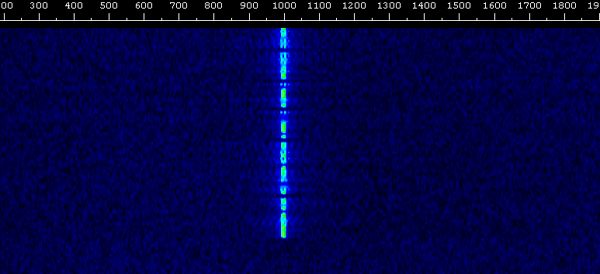
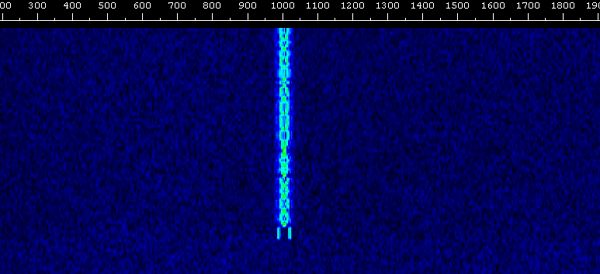
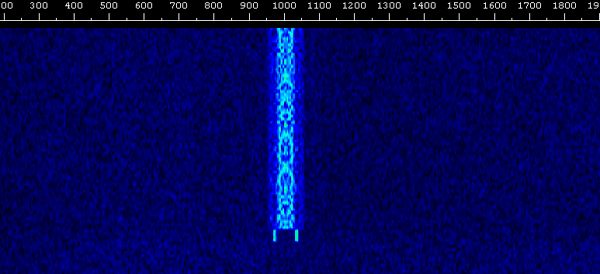
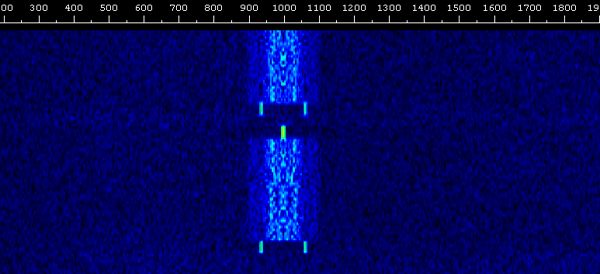
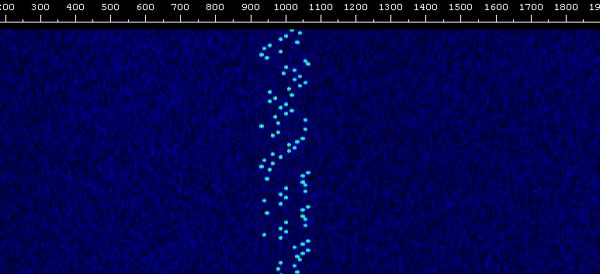
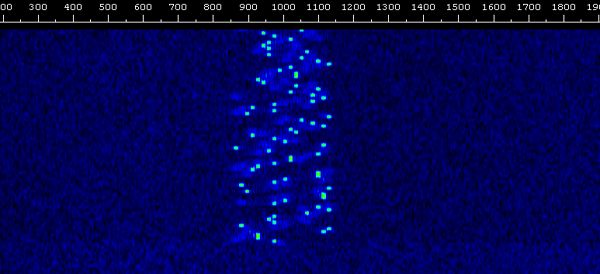
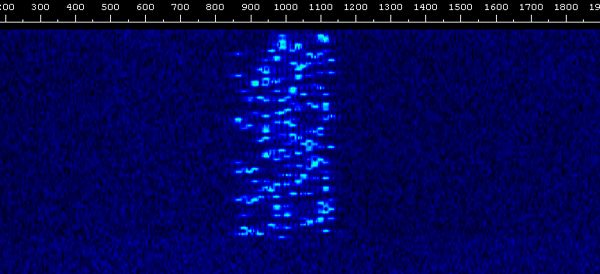
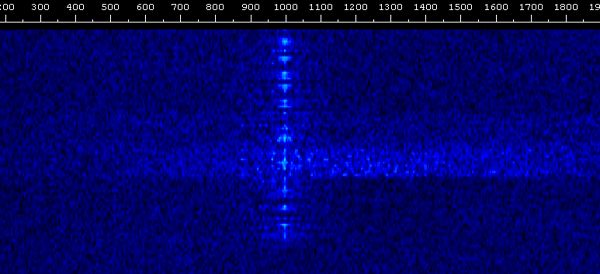
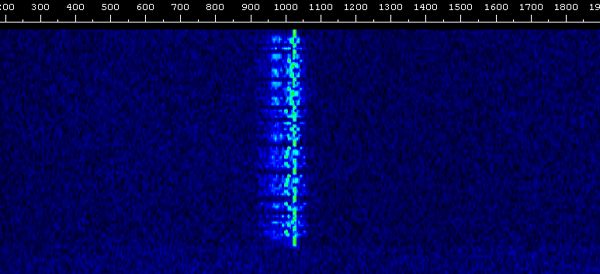
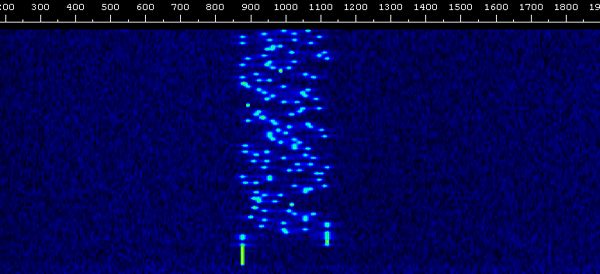
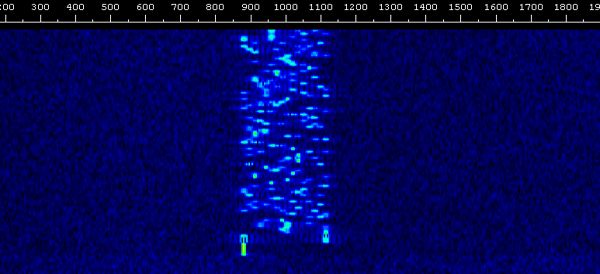
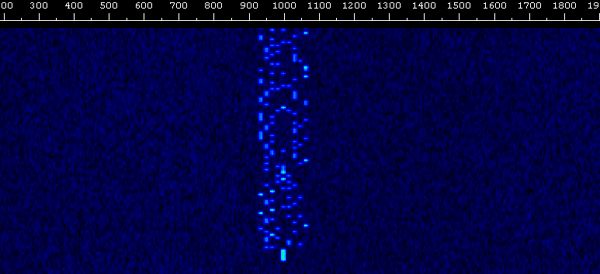
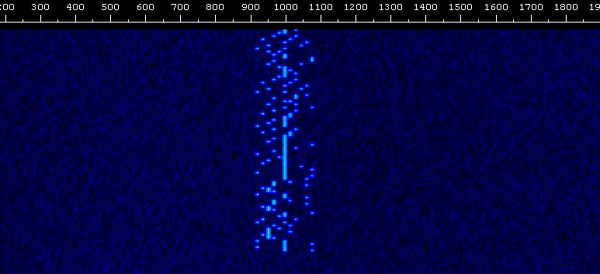
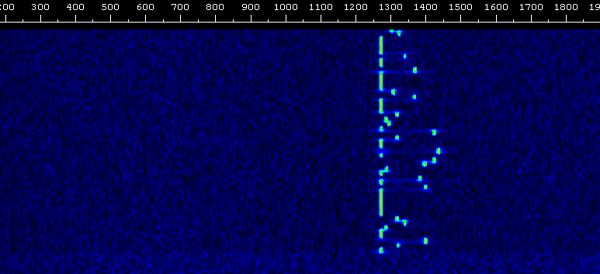
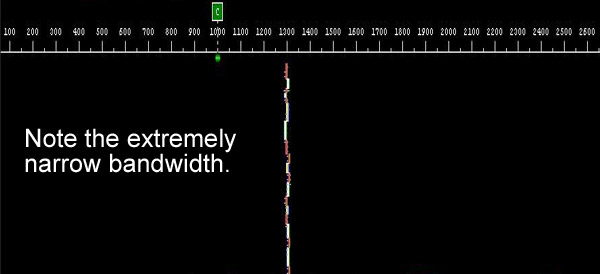
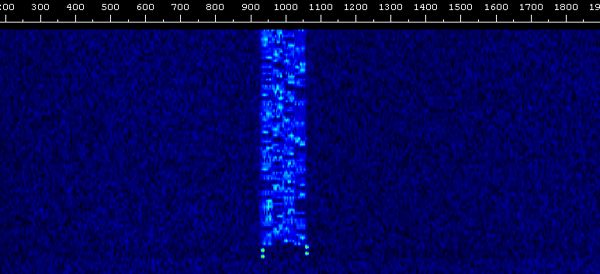
It is sometimes confusing for new digital hams to identify a particular digital signal by the sound of it or by what it looks like on the "waterfall" spectrum display.
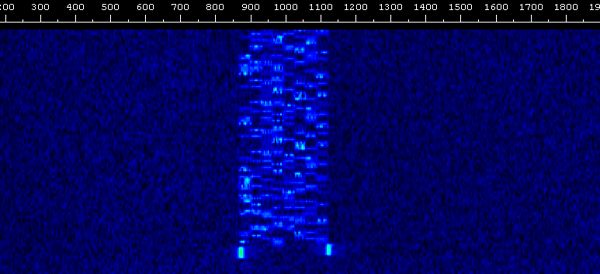
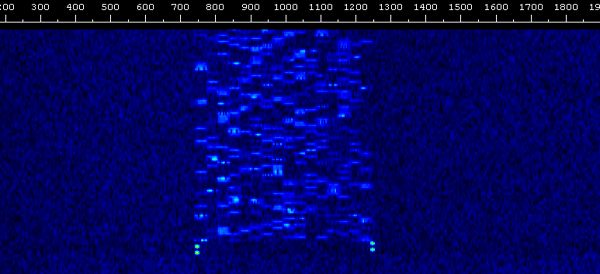
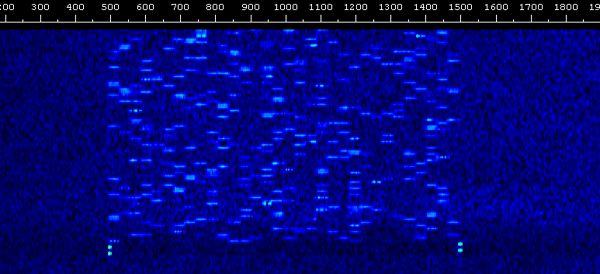
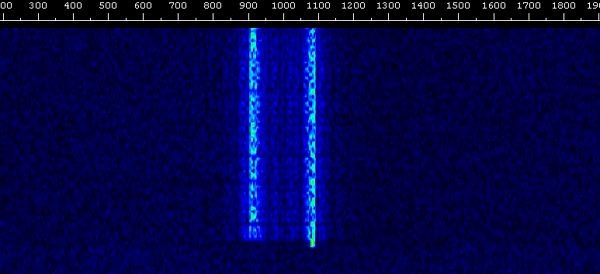
Here are examples of the more popular modes. Click on the speaker to hear the signal (in MP3) or click on the waterfall to see what it looks like.
The Original Digital Signal - CW
BPSK-31 (Binary Phase Shift Keying - 31 Baud)
BPSK-63 (Binary Phase Shift Keying - 63 Baud)
BPSK-125 (Binary Phase Shift Keying - 125 Baud)
Domino-4 (4 tone)
Domino-8 (8 tone)
Domino-16 (16 tone)
FELD HELL (Field Hellscreiber
*Note: Hellscreiber is German for "Light Writer".
Also named for the inventer, Rudolph Hell.
FSK-HELL (Hellscreiber via Frequency Shift Keying)
MFSK-8 (Multi Frequency Shift Keying - 8 tones)
MFSK-16 (Multi Frequency Shift Keying - 16 tones)
Throb-4
Throbx-4
JT-65a
JT-9 ** NEW MODE **
Olivia 125-4 (125 Baud, 4 tones)
Olivia 250-8 (250 Baud, 8 tones)
Olivia 500-16 (500 Baud, 16 tones)
Olivia 1000-32 (1000 Baud, 32 tones)
RTTY
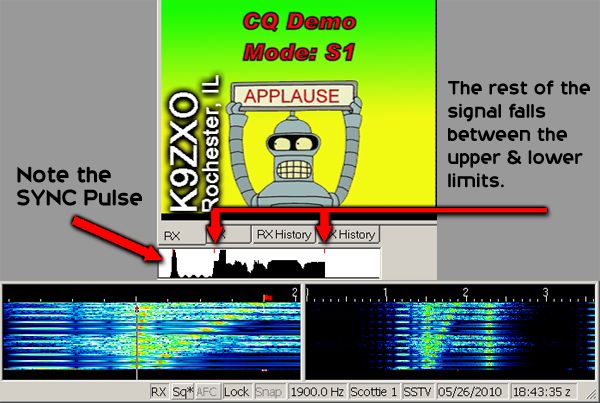
SSTV-S1 (Analog format, Scotty 1)
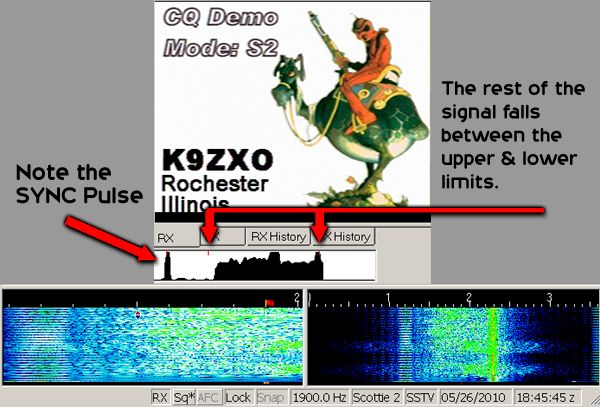
SSTV-S2 (Analog format, Scotty 2)
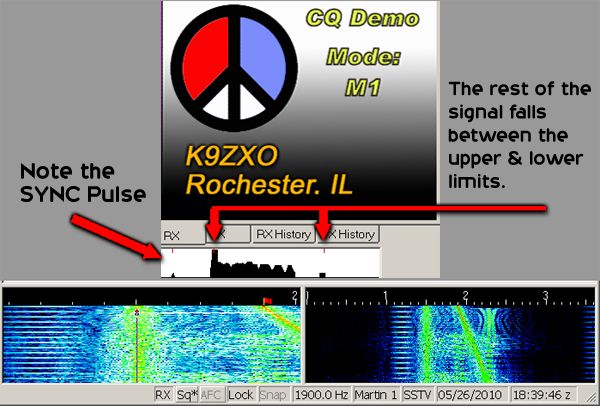
SSTV-M1 (Analog format, Martin 1)
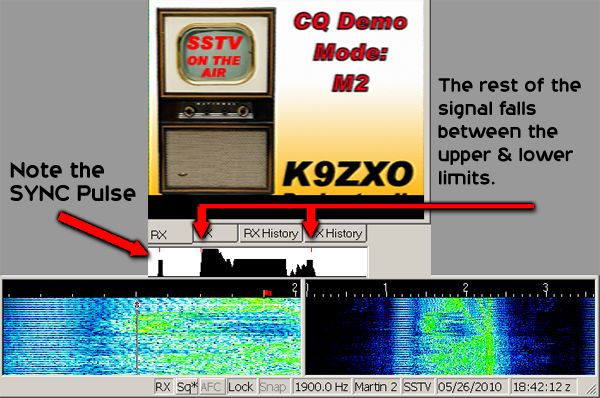
SSTV-M2 (Analog format, Martin 2)
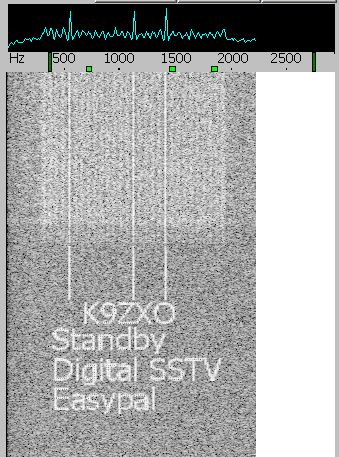
SSTV-Digital (EasyPal, 800x600 image)
PSK Demonstration Video
Here is a useful tutorial on PSK communications. This on-screen video demonstrates a basic PSK QSO.
Click the link to watch it. Basic PSK QSO


 to hear the signal (in MP3) or click on the waterfall
  to see what it looks like.